Use cases · Customer success
Customer call notes nobody has to type.
Record onboarding sessions, check-ins and renewal calls from your browser. Muvero sends you the recap with what the customer asked for, what you promised and the open questions, so the next call starts where the last one ended.
From a customer call to the next step in three steps.
- 01 / 03
Record the call
Press Record on Zoom, Google Meet, Teams, Webex, Whereby, Jitsi or GoTo. On Windows, the desktop app records the Zoom and Teams apps too.
- 02 / 03
Read the recap
An overview, the decisions, action items with owners and the open questions, in your inbox minutes after the call.
- 03 / 03
Keep the history
Every call stays in the library with its transcript. Ask what the customer said about the last release before the next check-in.
33 minutes · 4 people · mostly positive
Decisions
- Northwind starts on the Team plan in November.
- Their sales team joins first, marketing in December.
Action items
- Send the onboarding guide to Nina's team Ellen
- Set up the shared library for sales Mark
- Share the call platforms they use Nina
Open questions
- Does the data processing agreement need signing before the start?
Who spoke
- Nina
- 41%
- Ellen
- 33%
- Mark
- 18%
- Tom
- 8%
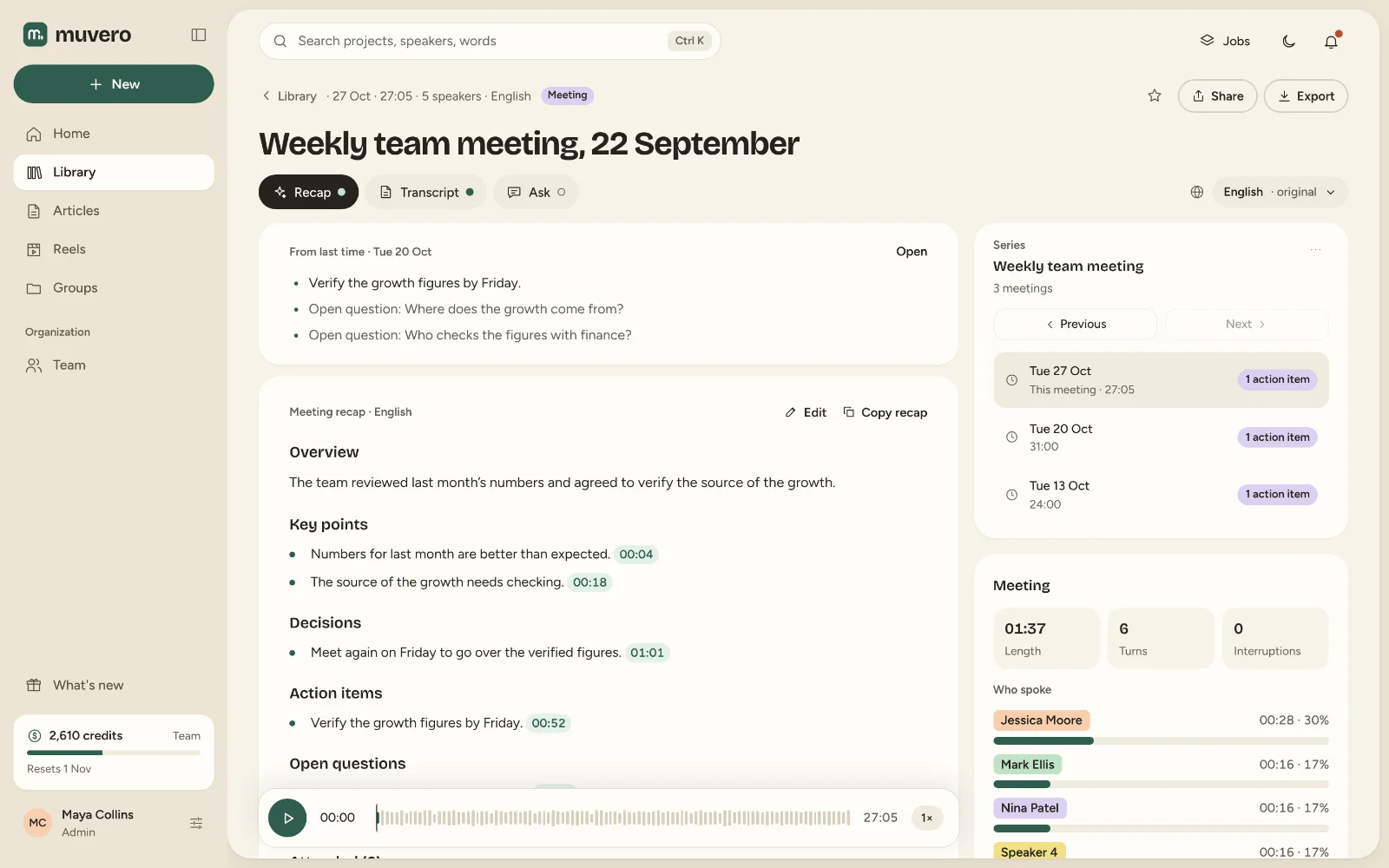
What it looks like in Muvero.
Why customer success teams record with Muvero.
No bot on the customer's call
Nobody new joins the meeting. Muvero records from your own tab, so the call stays between you and the customer.Promises you can find
Action items name who owns them, and every point links to the moment in the recording.A handover without a briefing
A new account manager reads past recaps or asks the calls, instead of waiting for a call about the calls.Customers in other languages
A call in German gets a recap in English for the rest of the team, in any of the 99 languages.
What Muvero does not do
Muvero does not join calls from your calendar and has no help desk or CRM integration: a person presses Record, and the recap comes by email to copy where it belongs.
Asked often. Answered here.
Does the customer see a bot?
No. Muvero is not a participant. Tell the customer you record; the extension asks you to confirm that before it starts.
Can I send the recap to the customer?
Yes. The recap comes to you first; edit it, then send it to the people you choose, or keep it for yourself.
How does a team share customer calls?
On the Team plan, calls live in a shared library with groups, roles and permissions, and the credits are shared.
What does a 30-minute call cost?
Thirty minutes of Standard transcription at 1 credit per minute, plus 5 credits for the recap. The cost is shown before anything runs.