Subtitles
Timed to the word.
Rentswentupalmostseventypercent
SRT · VTT · burned inContent studio · Subtitles
Upload a video and Muvero writes the subtitles from its transcript: every cue timed to the spoken word, checked for line length and reading speed. Download SRT or VTT at no extra cost, or export the video with the subtitles burned in.
MP4, MOV, MKV, WebM or AVI up to 4 GB. Muvero transcribes it and builds the cues from the words and their timing.
Cues that are too long or too fast to read are marked. Nudge a start or end by a tenth of a second, split or edit the text, and see the result on the video.
Download SubRip (.srt) or WebVTT (.vtt), included in every plan. Or render the video with styled subtitles burned in.
Timed to the word.
Rentswentupalmostseventypercent
SRT · VTT · burned in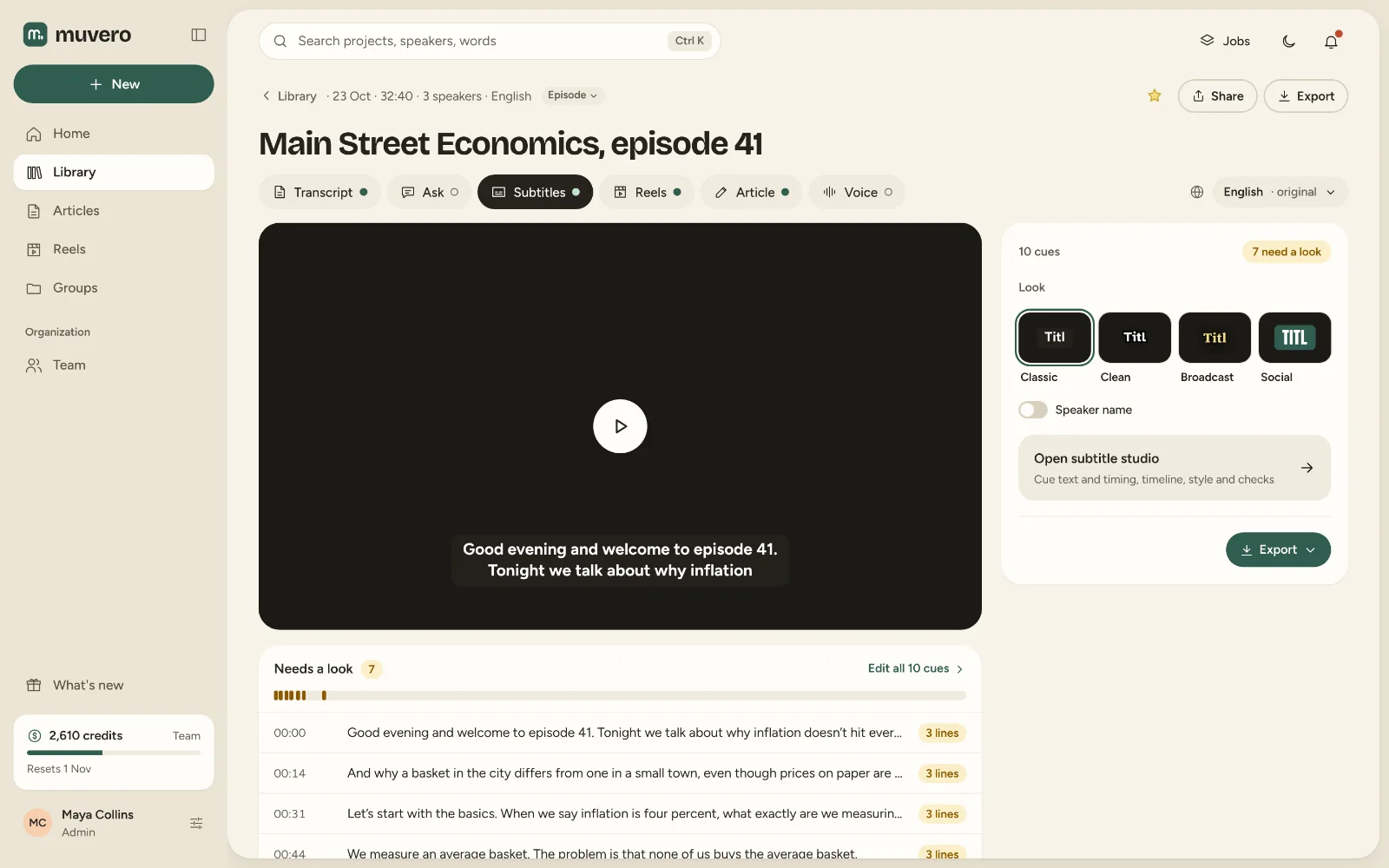
SubRip (.srt) and WebVTT (.vtt). Both work on YouTube, Facebook, LinkedIn, Vimeo and in most video editors and players.
Yes, from the Creator plan: pick a style and Muvero renders the video with the subtitles on it, for 4 credits per minute of video.
Yes. Translate the project and the subtitles come in the new language, timed like the original.
No. Once the video is transcribed, SRT and VTT files are included and cost no credits.
Yes. Move any cue's start or end in steps of a tenth of a second and watch it on the video as you go.