Meeting notes · Google Meet
Google Meet transcription and notes, without a bot.
Press Record on the Meet page and Muvero records the call from your tab. Nobody is added to the call. When it ends, you get a transcript with every speaker named as Meet showed them, and a recap with the decisions and action items in your inbox.
Record a Meet call in three steps.
- 01 / 03
Open the call in Chrome
Join meet.google.com in Chrome or Edge with the Muvero extension. A Record this meeting button appears on the call page.
- 02 / 03
Record, then carry on
Confirm that everyone knows the call is recorded and start. The extension records the others' voices from the tab and yours from the microphone, and notes who speaks when.
- 03 / 03
Read the recap
Leave the call and the recording stops by itself. Minutes later the transcript and the recap are in Muvero, and the recap is in your inbox.
33 minutes · 4 people · mostly positive
Decisions
- Northwind starts on the Team plan in November.
- Their sales team joins first, marketing in December.
Action items
- Send the onboarding guide to Nina's team Ellen
- Set up the shared library for sales Mark
- Share the call platforms they use Nina
Open questions
- Does the data processing agreement need signing before the start?
Who spoke
- Nina
- 41%
- Ellen
- 33%
- Mark
- 18%
- Tom
- 8%
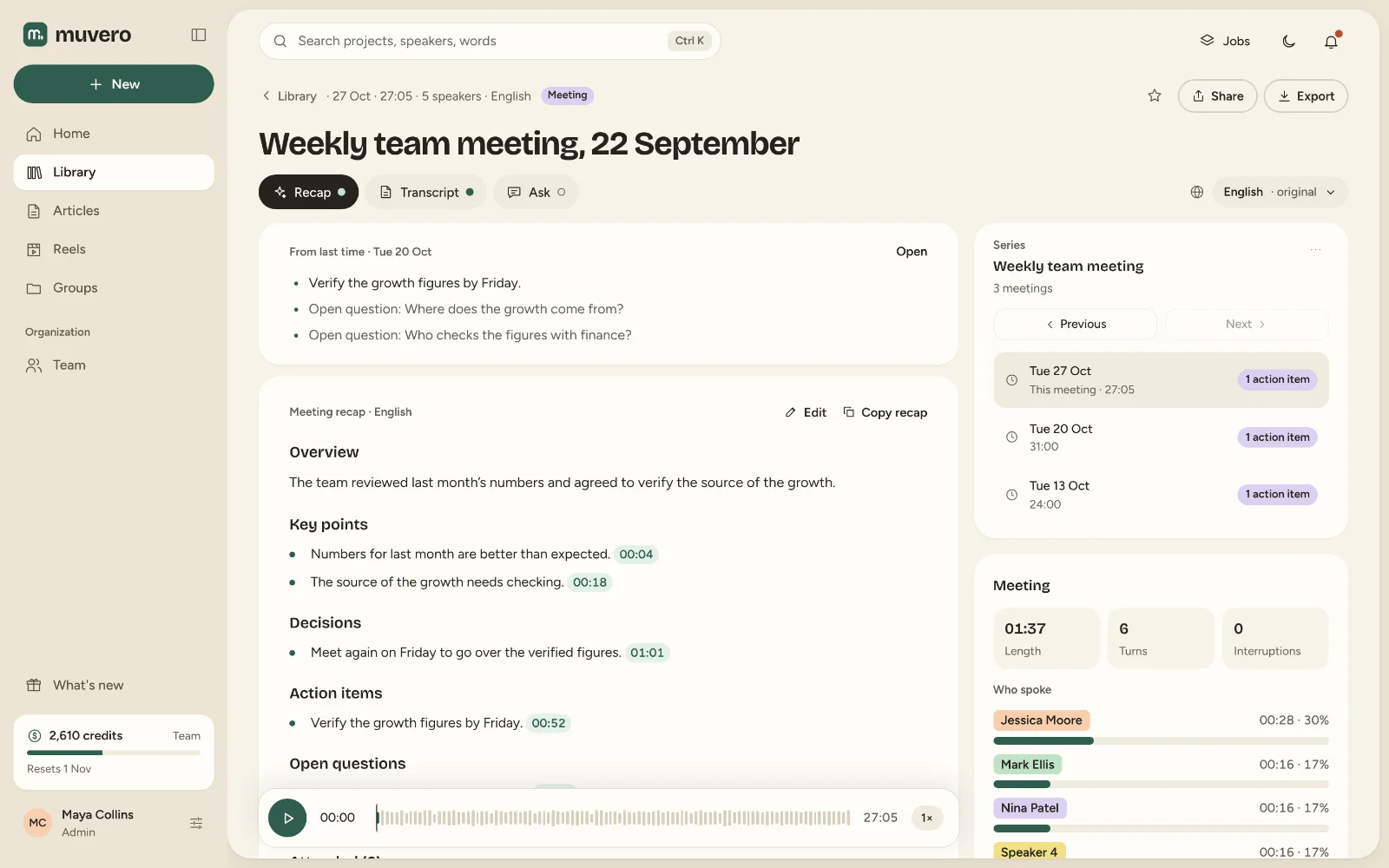
What it looks like in Muvero.
Why record Meet with Muvero.
Nobody new in the call
Meet shows no notetaker joining, and no one has to admit one. You record from your own tab.Speakers by name
The extension notes the names Meet shows for the people speaking, so the transcript says who said what without guessing.Works without Google Workspace add-ons
No admin approval, no calendar access and no Workspace plan needed. It works on any Meet call you can join in the browser.In your language
Muvero transcribes 99 languages, Serbian, Croatian, Bosnian and Slovenian among them, and writes the recap in the meeting's language or one you pick.
Asked often. Answered here.
Do I need a paid Google Workspace plan?
No. Muvero records from your browser tab, so it works on any Google Meet call you can join, from a personal Google account too. Meet's own recording is not needed.
Will the others see that I am recording?
Meet shows no bot, so tell them yourself; the extension asks you to confirm that everyone knows before it starts. Recording people without their consent may be illegal where you are.
Does it get the speaker names right?
It uses the names Meet shows on the call, and the times each person speaks, to name the speakers in the transcript. You can rename a speaker afterwards.
Can I record a Meet call on my phone?
No. Chrome extensions run on computers only (Windows, macOS, Linux or ChromeOS). On a phone, record the meeting audio with another app and upload it.
What does a Meet recording cost?
Standard transcription is 1 credit per minute and the recap 5 credits per hour of recording, from your plan's credits. The cost is shown before anything runs.