Meeting notes · Zoom
Zoom transcription and meeting notes, no bot.
Join the Zoom call in your browser and press Record. Muvero records the call from the tab, with no bot in the participant list, and sends you the transcript and a recap with the decisions, action items and open questions when the call ends.
Get notes from a Zoom call in three steps.
- 01 / 03
Join from your browser
On the Zoom link, choose Join from your browser instead of the desktop app. The Muvero extension adds a Record button to the call page.
- 02 / 03
Press Record
Confirm that everyone knows, and the extension records the call's audio and your microphone. You stay a normal participant; nothing changes for the others.
- 03 / 03
Get the recap
When you leave, the recording goes to Muvero. The recap arrives by email, and the transcript, talk time and highlights wait in your library.
33 minutes · 4 people · mostly positive
Decisions
- Northwind starts on the Team plan in November.
- Their sales team joins first, marketing in December.
Action items
- Send the onboarding guide to Nina's team Ellen
- Set up the shared library for sales Mark
- Share the call platforms they use Nina
Open questions
- Does the data processing agreement need signing before the start?
Who spoke
- Nina
- 41%
- Ellen
- 33%
- Mark
- 18%
- Tom
- 8%
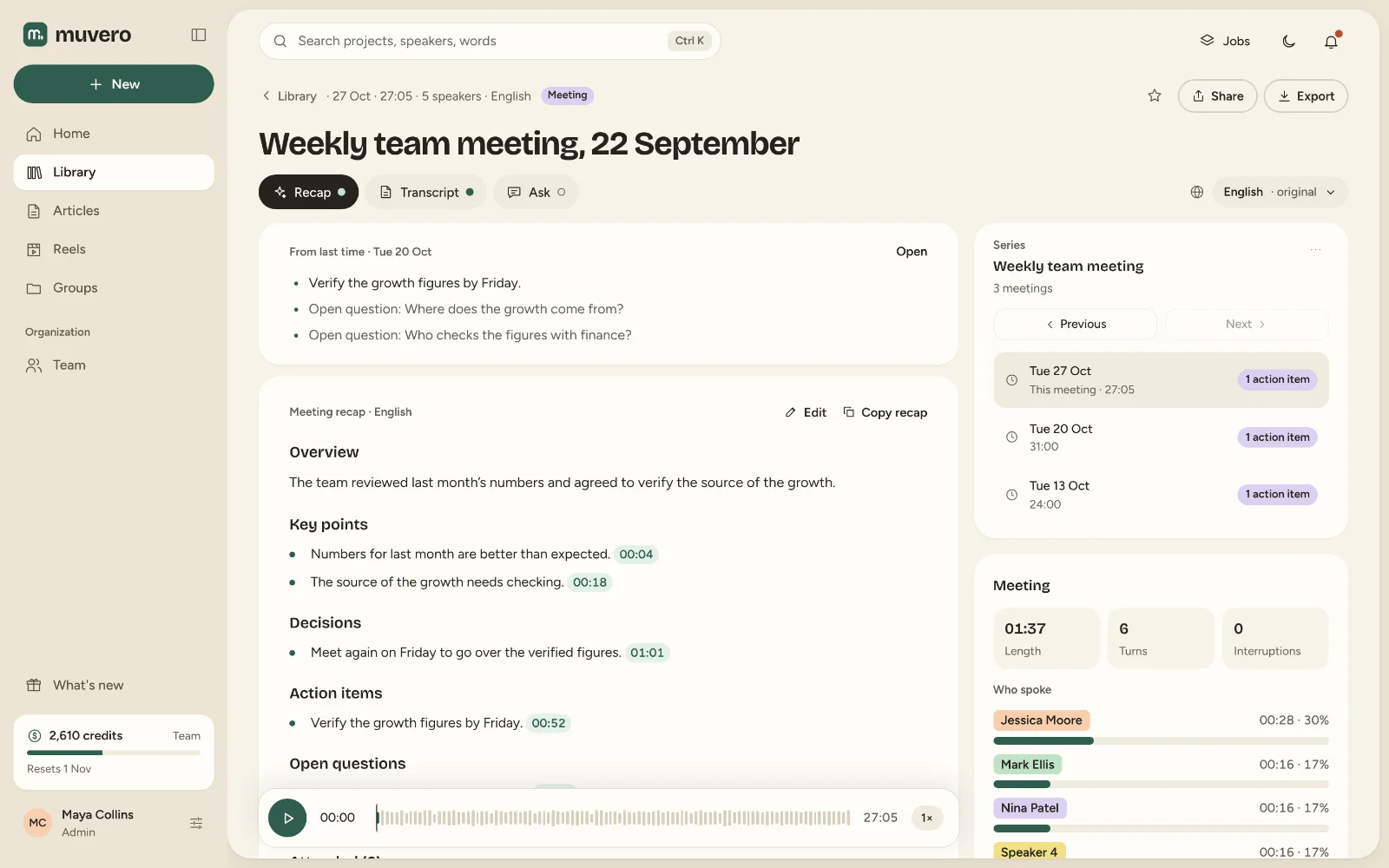
What it looks like in Muvero.
Why use Muvero for Zoom.
No host settings to change
Zoom's cloud recording needs the host's plan and permission. Muvero records from your own tab, whoever hosts the call.No bot in the participant list
Clients and candidates see the people they invited and nobody else.Already have a Zoom recording?
Upload the MP4 or M4A Zoom saved, up to 4 GB, and get the same transcript and recap.One price per minute
Transcription is 1 credit per minute from your plan's credits; the recap is 5 credits per hour of recording. No per-seat price for everyone who joins.
Asked often. Answered here.
Does it work with the Zoom desktop app?
Yes, with Muvero for desktop on Windows: it offers to record when a Zoom call starts and records the computer's sound and your microphone, and with Record video on the Zoom window, never the rest of your screen. The Chrome extension records Zoom in the browser, and a file the Zoom app saved can be uploaded.
Do I need to be the host?
No. You record from your own browser tab as a participant, so the host's plan and recording settings do not matter. Let everyone know that you record.
Can I upload a Zoom cloud recording?
Yes. Download the recording from Zoom and upload it, or paste a link to the file. MP4, M4A and the other common formats up to 4 GB work.
How are the speakers named?
When you record in the browser, the extension notes the names Zoom shows for the people speaking and uses them in the transcript. In an uploaded file, Muvero separates the voices and you name them once.
Which languages work?
99 languages, from Serbian, Croatian, Bosnian and Slovenian to English, Spanish, Arabic, Hindi, Chinese, Japanese and Swahili. The recap can be written in another language than the call's.