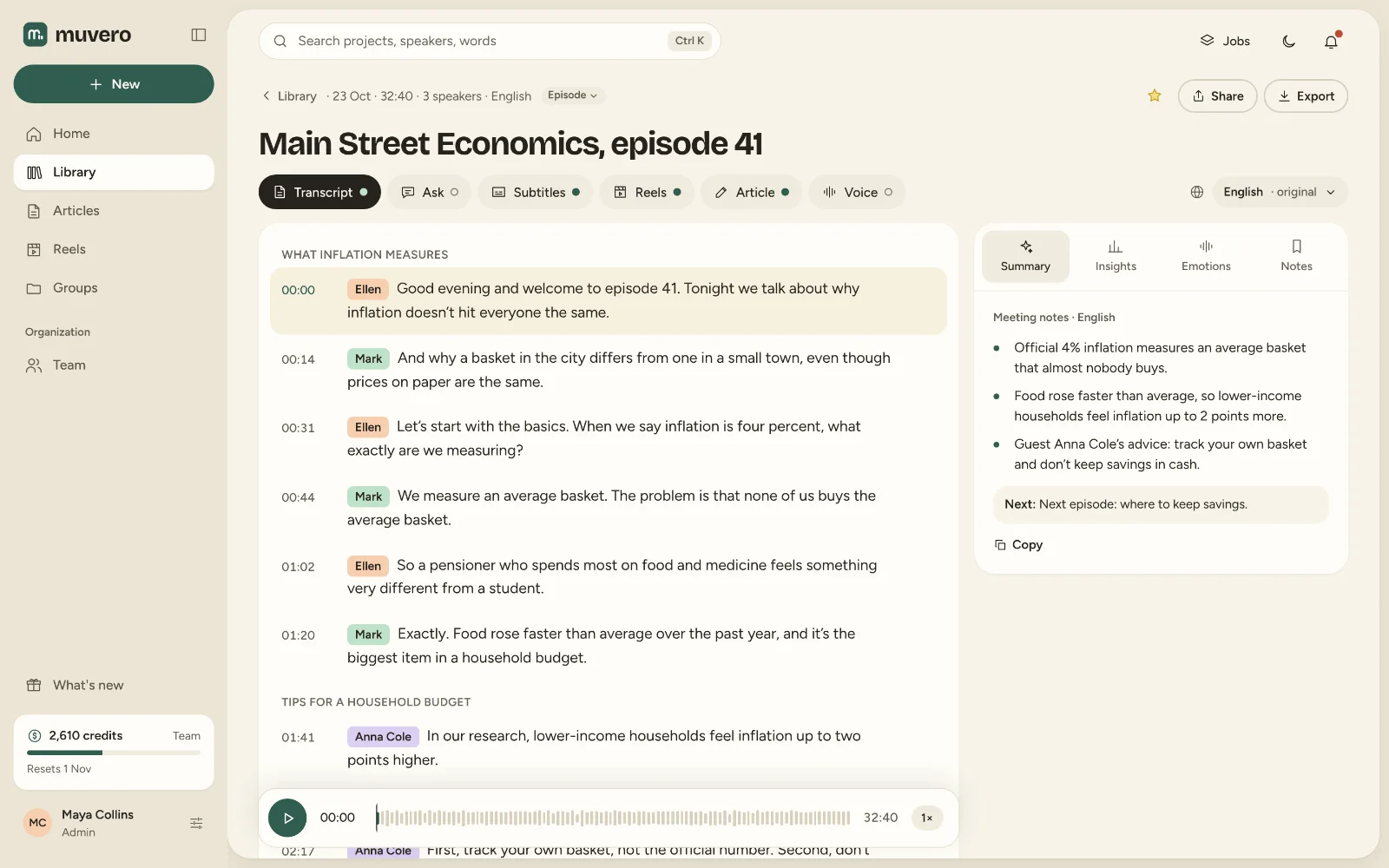
Transcript
Who said what, and when.
Content studio · Transcription
Upload an MP3, MP4 or any common audio or video file and get a transcript with speakers and timestamps. Edit it in the browser, play any line from where it was said, and export it as TXT, DOCX, PDF or subtitles.
Upload a file up to 4 GB, paste a link to one, or record audio in the browser. The language is detected for you.
Standard is 1 credit per minute; Advanced is 2 credits per minute for hard audio: noise, crosstalk, many speakers. The cost shows before it starts.
Correct a word, rename a speaker, then download TXT with or without timestamps, DOCX, PDF, SRT or VTT, or share a read-only link.
Who said what, and when.

Audio and video up to 4 GB per file. Links work too: a direct link to a file, or a Dropbox or Google Drive share link.
It depends on the audio more than anything. Clear speech close to the microphone comes out with few corrections; for noise, crosstalk or many speakers, choose Advanced. You can correct any word in the editor.
It depends on the length of the recording and the model. You can keep working while it runs, see the progress in Jobs, and get the result in the project when it is done.
Yes. Upload MP4, MOV, MKV, WebM or AVI and Muvero transcribes the sound. The video is kept for subtitles, reels and export.
Yes. Each turn is labelled with its speaker; name them once and the names are used everywhere in the project.
Standard transcription is 1 credit per minute of audio, Advanced 2 credits. A failed job is refunded.