Use cases · Education
Lecture transcription, subtitles and answers.
Upload a lecture or a recorded seminar and get the transcript with timestamps, subtitles for the course video and a summary with chapters. Ask the recording a question and the answer comes back with the moments it draws on.
From a lecture to course material in three steps.
- 01 / 03
Upload the lecture
The recording from the room or the course video, up to 4 GB.
- 02 / 03
Get transcript and subtitles
Timestamps on every line and subtitles checked for reading speed, ready for the course platform.
- 03 / 03
Make it easy to study
A summary with chapters, a translation for international students, and Ask for questions about the lecture.
You: What did we agree with the sponsor?
Muvero: The spring sponsor read moves to April 14:32, and Nina sends them the April plan by Wednesday 27:05.
You: Why can’t young people buy a flat?
Muvero: Most flats go to buyers who pay in cash 18:40, and most young people can’t get a mortgage 23:16. The guests propose support for first-time buyers 41:12.
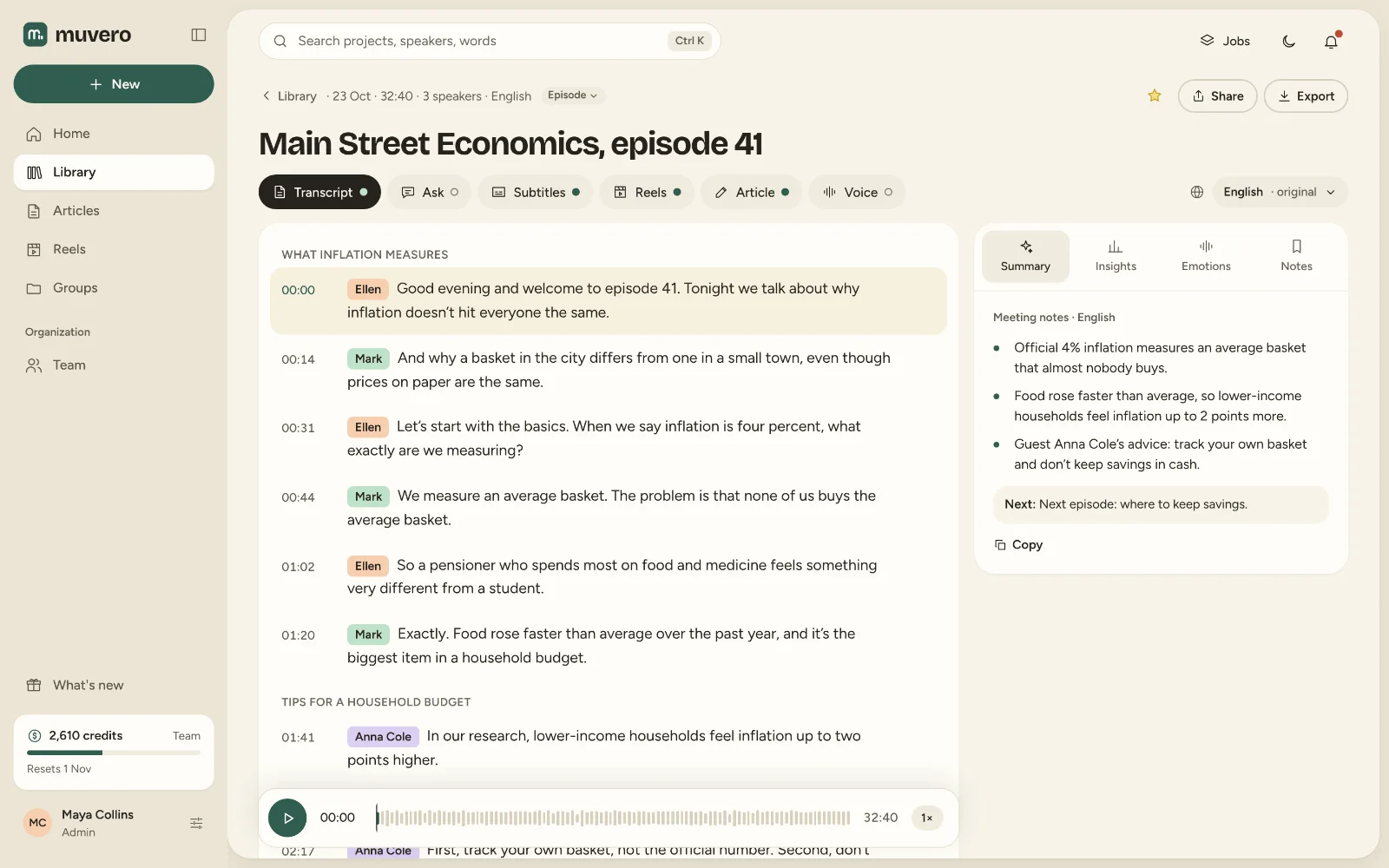
What it looks like in Muvero.
Why teachers and course creators use Muvero.
Accessible courses
Subtitles make video lectures usable for people who are deaf or hard of hearing, and for anyone watching without sound.Chapters for long recordings
A 90-minute lecture gets chapters and a summary, so students find the part they need.In the students' language
Translate the transcript and subtitles into any of the 99 languages.Answers from the lecture
Ask works on every recording, with each answer linked to the moment in the lecture.
Asked often. Answered here.
Can I upload long lectures?
Yes. Files up to 4 GB, which covers hours of audio or a long video.
Which subtitle formats work with course platforms?
SRT and WebVTT, which most course platforms and video players accept.
Can students use Muvero?
Anyone 18 or older can create an account; the Free plan includes transcripts, subtitles, summaries, translation and Ask.
What does a 90-minute lecture cost?
Ninety minutes of Standard transcription at 1 credit per minute; a summary is 5 credits per started hour, so twice that for ninety minutes.