Transcript
Who said what, and when.
Content studio · YouTube
YouTube's terms do not allow downloading its videos, so Muvero does not take YouTube links. For a video of your own, download it from YouTube Studio and upload it: you get the transcript, subtitles to upload back, chapters and clips.
In YouTube Studio, open Content, pick the video, and choose Download from its menu. You get the MP4.
Drop the MP4, up to 4 GB. Muvero transcribes it with speakers and timestamps.
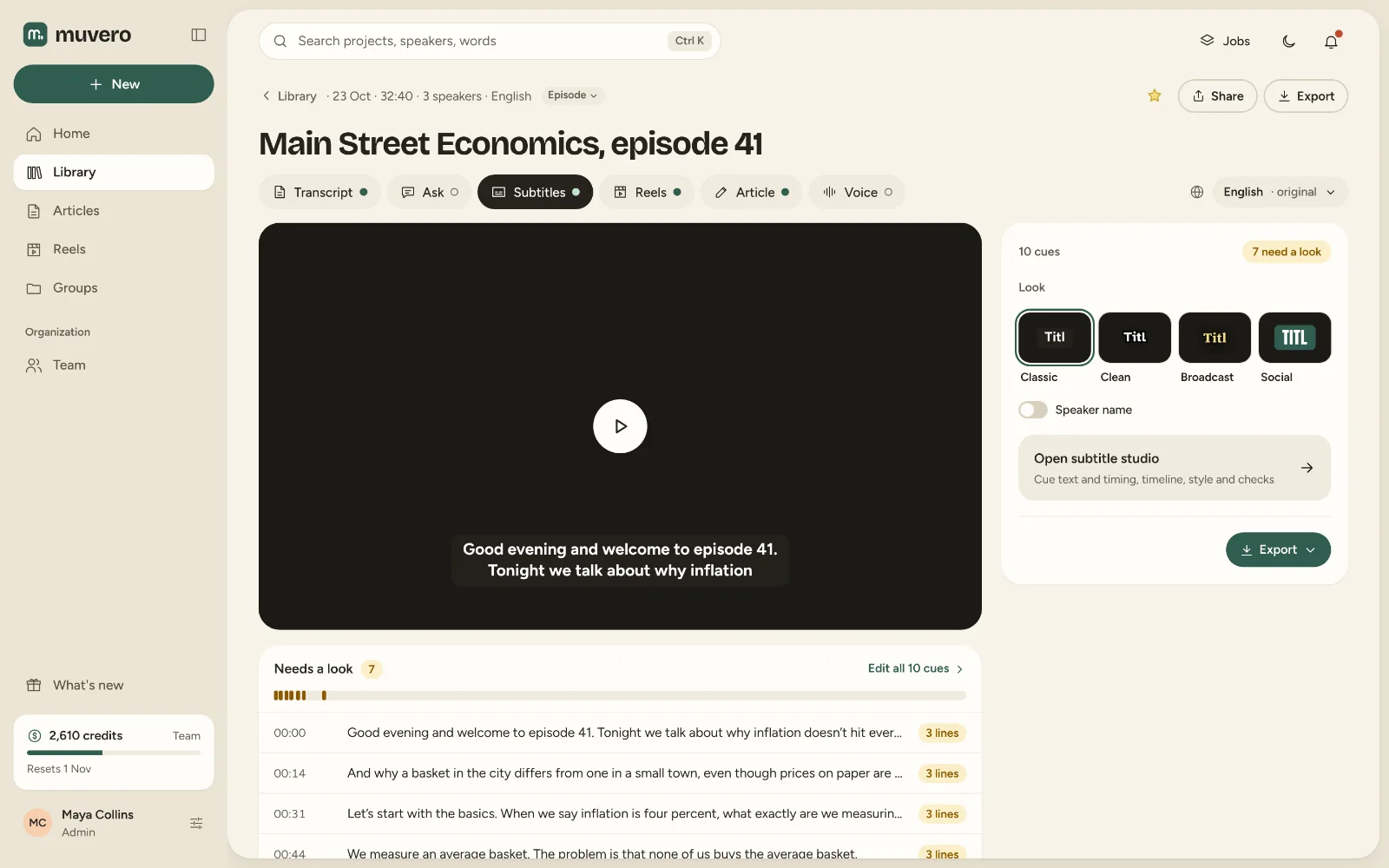
Upload the SRT to YouTube's subtitles, paste the chapters into the description, and cut reels for Shorts.
Who said what, and when.

YouTube's terms forbid downloading its videos, so Muvero turned YouTube links off. Videos you own can be downloaded from YouTube Studio and uploaded.
Only with a file you have the right to use. Ask the owner for the file.
An MP4. Muvero takes it as it is, up to 4 GB.
Yes. Download the SRT from Muvero and add it in YouTube Studio under Subtitles.