Subtitles
Timed to the word.
Rentswentupalmostseventypercent
SRT · VTT · burned inUse cases · Webinars and events
After the webinar, the work is done. Upload the recording of a webinar, a talk or a conference session. Muvero writes the transcript and the subtitles, translates them for attendees in other languages, and makes the highlight clips and the article that bring the event to people who missed it.
The file your webinar platform saves, or the video of the talk, up to 4 GB. Muvero labels the speakers and the panelists.
Subtitles timed to the word and checked for reading speed, and a translation into the languages of your audience.
Highlight reels for social, an article for the blog and a summary with chapters for the event page.
Timed to the word.
Rentswentupalmostseventypercent
SRT · VTT · burned in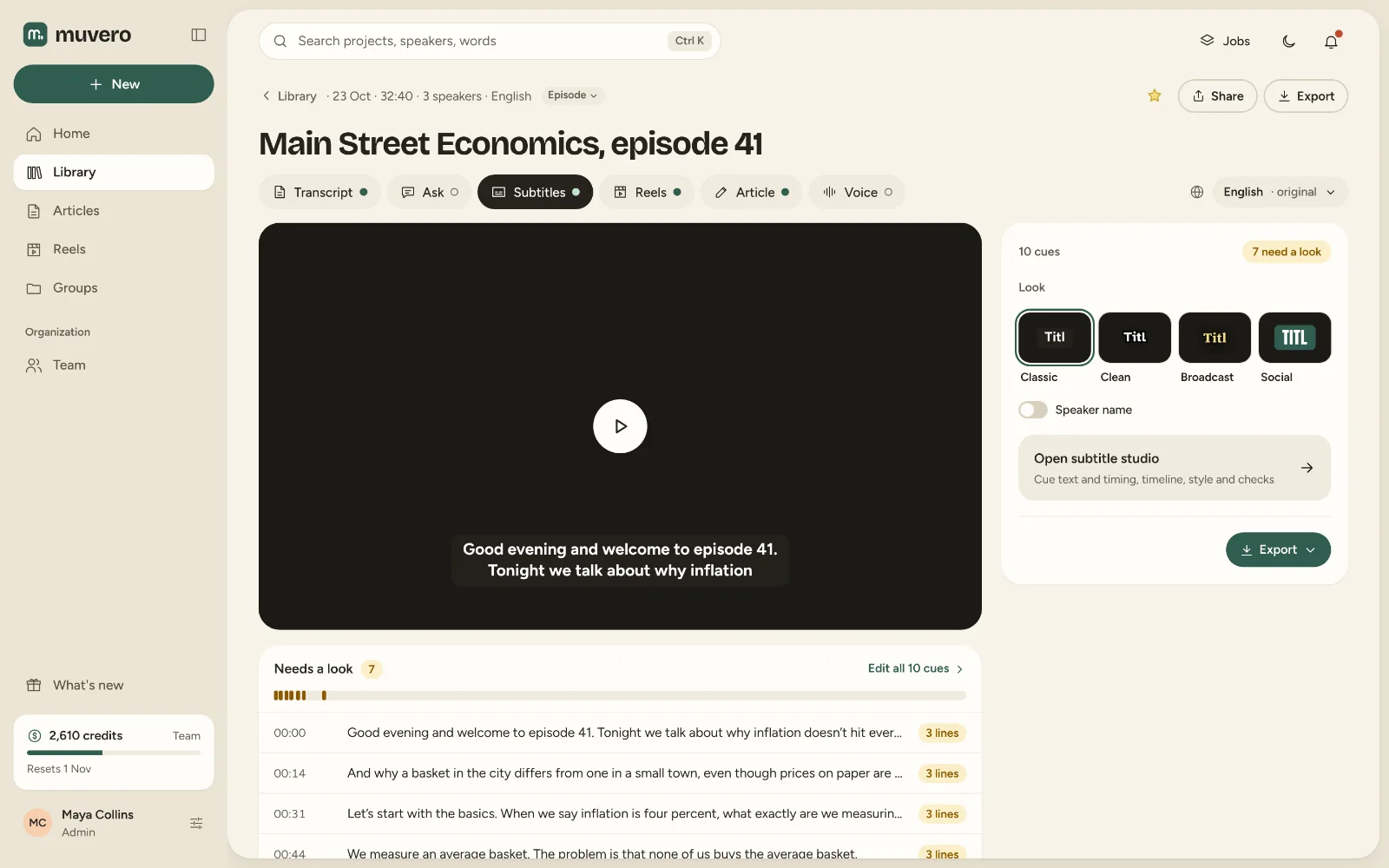
Muvero does not caption a webinar live or stream it. It works from the recording, after the event: the transcript, the subtitles, the clips and the article come minutes after the upload.
Any that lets you download the recording: upload MP4, MOV, MKV, WebM or AVI up to 4 GB. A session you attend in Zoom, Meet or Teams in the browser can also be recorded with the Chrome extension.
Yes, from the Creator plan: pick a style and Muvero renders the video with the subtitles on it, for 4 credits per minute of video. SRT and VTT files cost nothing.
Sixty minutes of Standard transcription at 1 credit per minute; a translation is 1 credit per minute of audio for each language.
It tells the speakers apart and labels them. Rename each one once in Muvero and the names are used throughout the project.