Voice
Paste text, get a voice-over.
Content studio · Voice
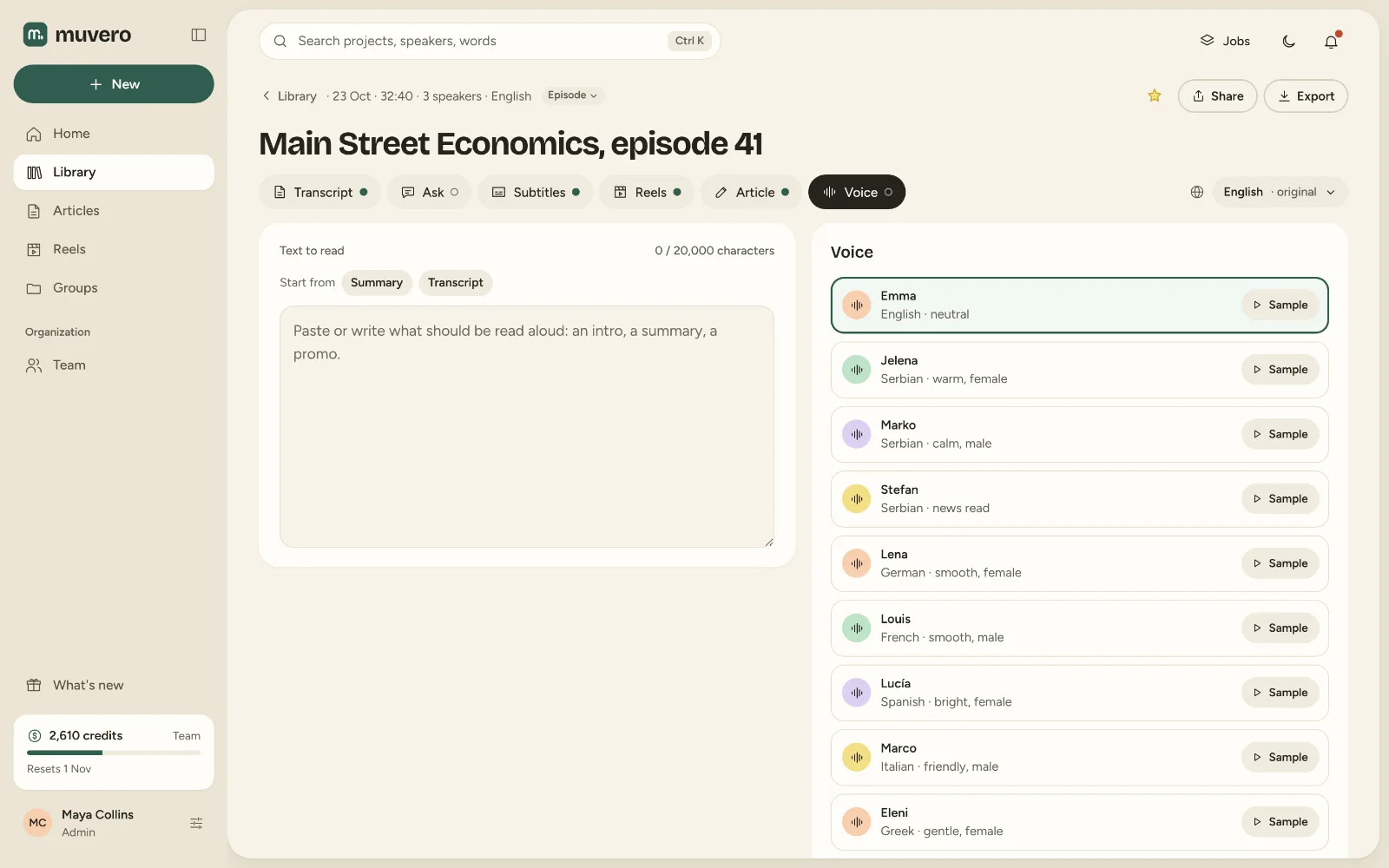
Paste or write the text, pick a voice and Muvero reads it aloud: an intro for the episode, a summary for listeners, a promo for social. Start from your own words or from a recording's summary or transcript.
Write it in Muvero, or start from a project's summary or transcript and shorten it.
The voices for the text's language are listed first. Listen to a sample before you choose; samples cost nothing.
It costs 3 credits per 1,000 characters. The audio appears in the project, ready to download.
Paste text, get a voice-over.
Serbian, Greek, English, German, French, Spanish and Italian. A voice can read text in another language, but a voice made for the text's language sounds best.
Voice starts with the Creator plan.
One read-aloud has a character limit shown under the text box; split a longer script into parts.
The voice-over is yours to use in your content, like everything else you make in Muvero, under our Terms of Service.